
How do I add a service with a price and a break afterwards?
- In the dashboard, choose Offer → Services → Add service. Under Basics, enter a name, a base price and the duration in minutes.
- Expand Payment and deposit, choose how customers will pay and select Save changes.
- In the service editor, choose Settings and expand Buffer after the visit. Enter the time you need to prepare the room in Post-service buffer (min) and select Save changes.
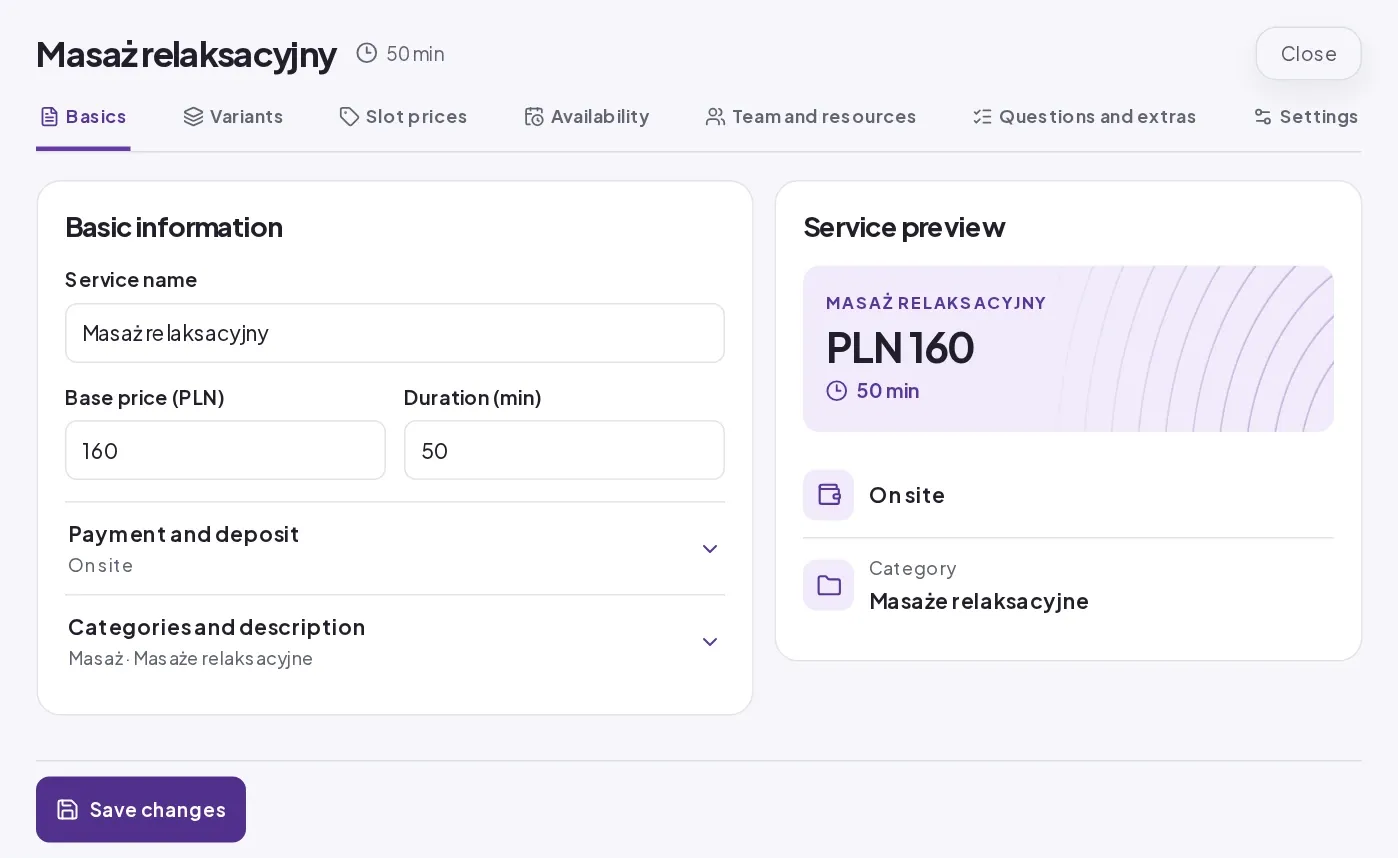
For example, you might allow 50 minutes for a massage and another 10 minutes to get the room ready. Customers see a 50-minute massage. Trevo includes the extra 10 minutes when it works out the next available time.
If the duration or price depends on the treatment, add service variants.