
Where can I find my booking link and QR code?
In your dashboard, open Public page → QR codes. Your salon’s booking link is under Address.
- To send the link to a customer, select Copy link and paste it into a message. On a phone, you can also select Share page.
- To print the code, go to QR preview and select Download A4 poster or Download desk flyer. Select Enlarge code to let someone scan it directly from your screen.
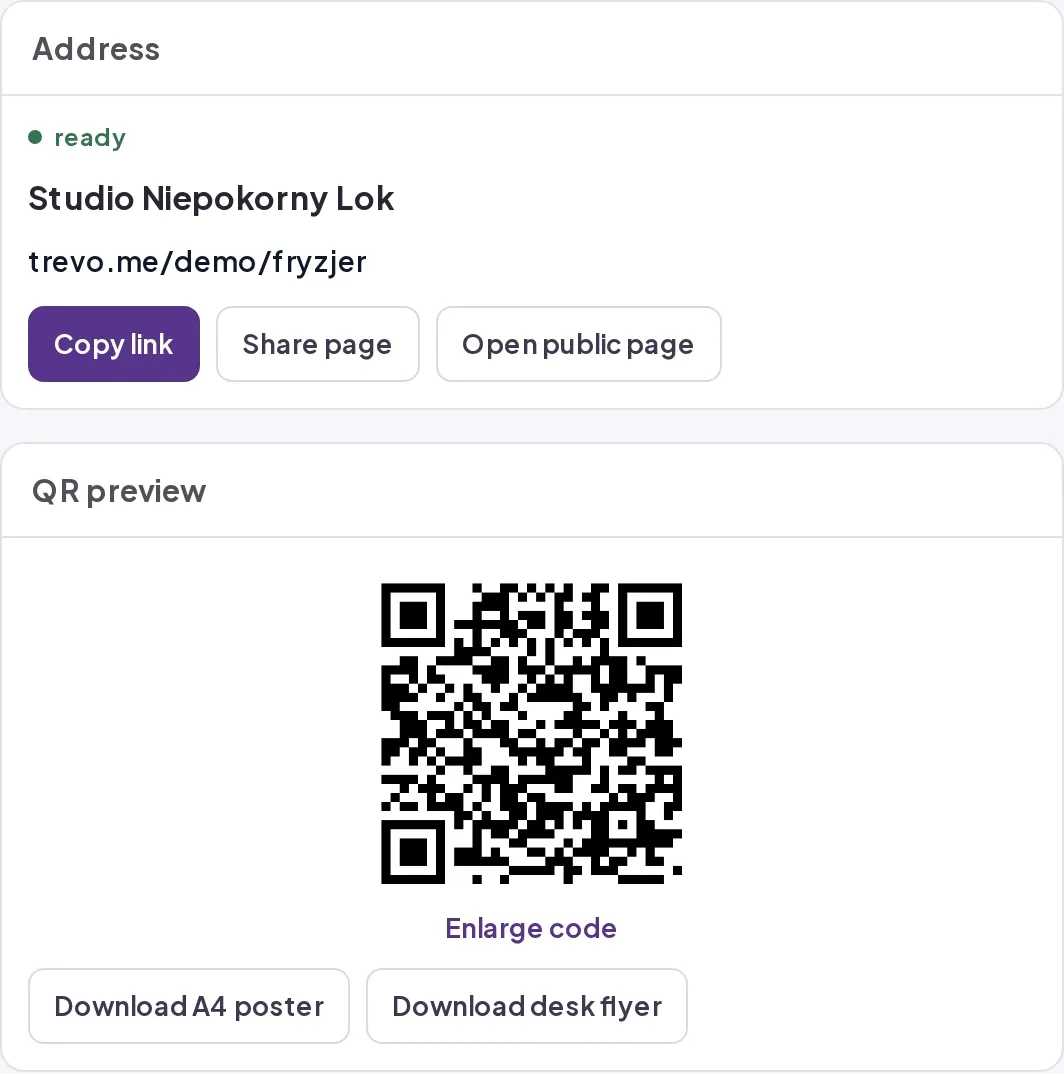
Before printing, scan the code from your own dashboard and check that it opens your salon page. If you can’t copy the link, open Address and visibility in the page settings and check that the page has an address and is published.