
How do I add an appointment booked by phone?
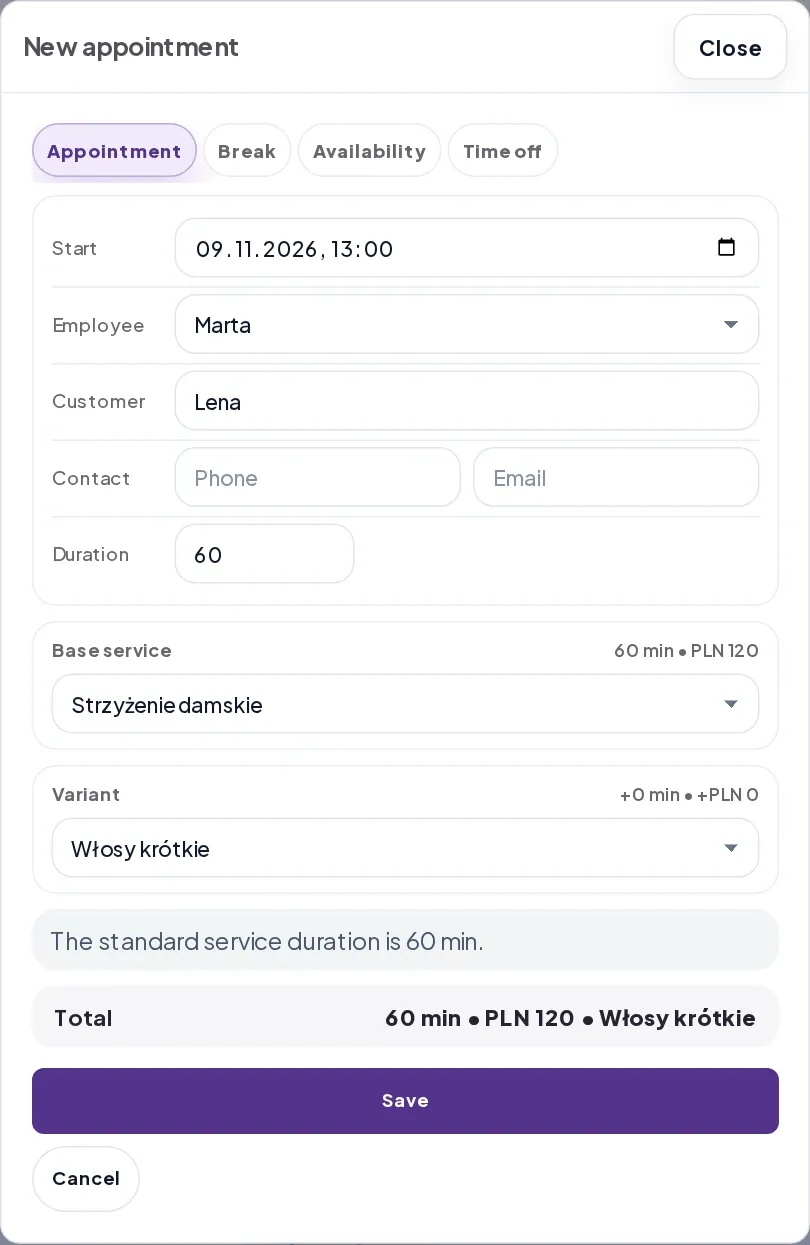
- Open Calendar, select the day and click a free time in the column for the person who will see the customer. The New appointment form fills in Start and Employee for you. You can also select New appointment and choose the time yourself.
- Enter the customer’s name in Customer. Under Contact, you can add their phone number or email. Choose the Base service and any variant the customer requested.
- Check the duration and price under Total. If the time overlaps with another appointment, change Start. Select Save.
If the calendar shows Add manual slot, your salon uses Explicit slots. Once you add a free time, you can send the customer your booking link so they can reserve it.